



A Document System for Owner-Builders: What to Keep and Where
March 5th, 2027
An owner-builder wears the general contractor's hat, and the general contractor's records come with it. Contracts, plans, permit cards, inspection reports, change orders, draw requests, lien waivers, receipts, photos, and warranties all need a home. When they are scattered across a truck console and a phone camera roll, the first draw request becomes an afternoon of searching and the first dispute becomes a story with no proof.
The system does not need to be sophisticated. It needs to be consistent, backed up, and organized the same way every week.
Two Copies of Everything
Keep a digital master and a physical folder for the documents you need on site. The digital master lives in a cloud folder that syncs to a laptop and a phone. The physical folder stays in the truck or the site trailer and holds the current plan set, the permit card, the sub contact list, and the current change orders.
Scan paper documents the day they arrive. A phone photo is acceptable if the text is readable, but a scanning app that produces a PDF is better. Rename the file before it joins the pile.
A Folder Structure That Works
Use the same top-level folders for every project. A simple structure is enough:
- 01 Contracts and insurance
- 02 Plans and revisions
- 03 Permits and inspections
- 04 Bids and estimates
- 05 Change orders
- 06 Draws and lien waivers
- 07 Receipts and invoices
- 08 Photos and video
- 09 Warranties and manuals
- 10 Correspondence
Number the folders so they sort in the order you use them. Inside each folder, name files with the date first: 2027-03-05 framing inspection report.pdf. Dates sort correctly and make a timeline without extra work.
Contracts and Insurance
Keep a signed copy of every subcontractor agreement, plus each sub's certificate of insurance and license information. Check that the insurance limits match what the contract requires and that the certificate lists the correct entity. Note the expiration date and ask for a renewal before it lapses.
Also keep your own builder's risk policy, general liability policy, and any required workers' compensation documents in this folder.
Plans and Revisions
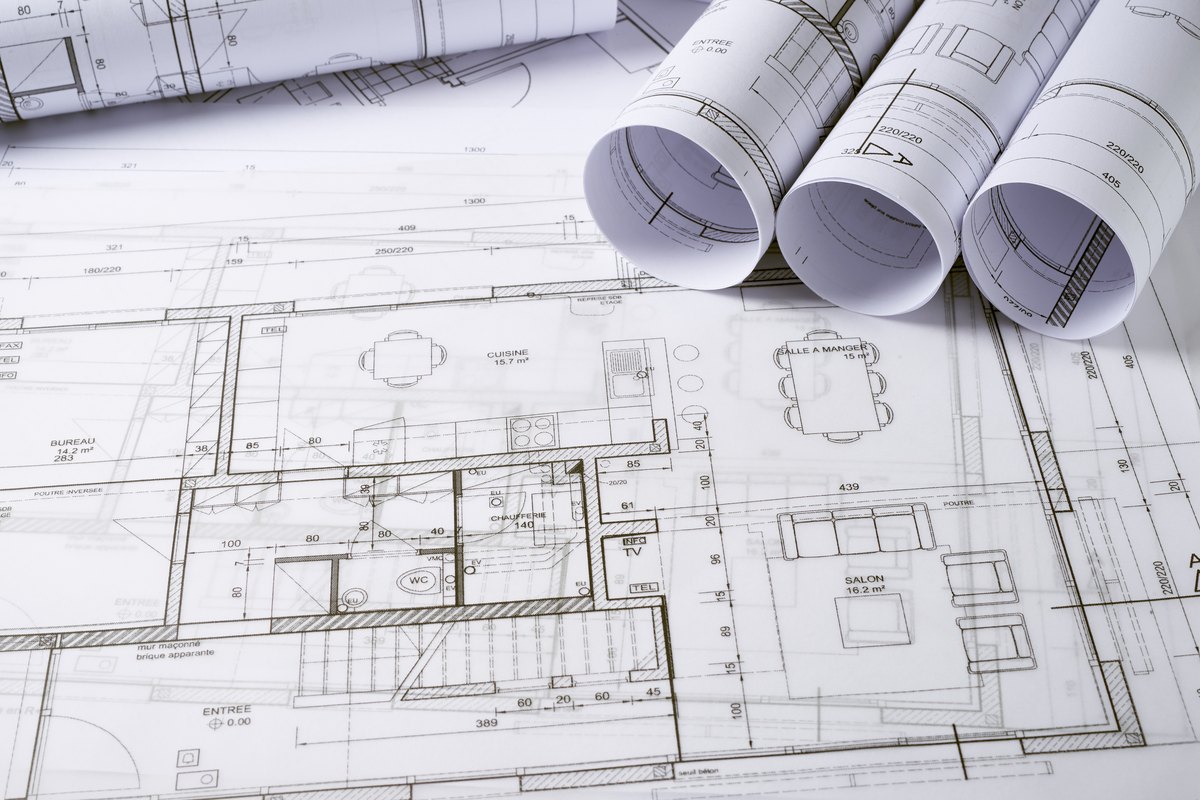
Every plan set needs a revision date and a revision number. When a plan changes, save the new set and move the old one to an archive folder. Do not let two versions circulate on site. Mark the current set clearly and remove the old set from the job site.
Keep a simple revision log that says what changed, who approved it, and when. That log is worth more than the drawings when a sub claims the wall was always in a different place.
Permits and Inspections
Keep the permit application, the approved plans, the permit card, and every inspection report. Record the date, the inspector's name, and the result. If an inspection fails, keep the correction notice and the re-inspection report together.
Photograph the permit card at each sign-off. Cards get lost, and a photo settles the question.
Change Orders
A change order should state the change, the price, the schedule impact, and the approval signature. Keep them in number order and keep a running log with the total value. That log is the fastest way to answer the question every owner-builder asks in month six: how did the budget get here?
Verbal changes are the most common source of disputes. If a sub asks for a change on site, write it down and send it by email the same day. No work starts until the paper exists.
Draws and Lien Waivers
Each draw request should include the draw application, the supporting invoices, photos of completed work, and lien waivers from the subs and suppliers paid by that draw. Keep the lender's inspection report with the request.
A lien waiver is not paperwork for its own sake. In Texas, unpaid subs and suppliers can file liens against the property. A signed waiver, collected with each payment, is the record that the money reached the people who did the work.
Receipts and Invoices
Keep every receipt for materials the owner buys directly. Photograph the receipt at the counter and email it to the project folder. If the lender requires receipts for reimbursement, this habit saves hours at each draw.
Track sales tax separately if the project qualifies for an exemption. Keep the exemption certificate with the receipts.
Photos and Video
Take photos before every cover-up: foundation steel, plumbing, electrical, framing, insulation, and drywall. Name the files by room and date. A short video walkthrough of each room before drywall is even better, because it captures the layout in one file.
These photos are also useful for hanging a television, adding a circuit, or locating a leak years later.
Warranties and Manuals
Collect the warranty card, model number, and manual for every appliance, HVAC unit, water heater, garage door opener, and roof system. Keep them in one folder and hand a copy to the buyer if you sell. A well-organized warranty folder is a selling point.
Back It Up
Use a cloud service with version history and a second backup on an external drive. Set the phone to upload photos automatically. A lost phone should not mean a lost project record.
Owner Builder Network helps families set up this system at the start of the home building process. The owner builder program also provides draw support, which is easier when the file is already organized. If you are still deciding how much to manage yourself, our benefits of the program page lays out the support levels.
Spend an hour setting up folders before the first invoice arrives. The system pays for itself at the first draw.